
Transform your desktop into a
pure digital canvas.
WallCraft brings live wallpapers and desktop widgets to Windows. Customize your screen, arrange your tools, and automatically pause wallpapers while gaming.
Get notified when WallCraft launches.
Only for the launch announcement. Privacy
WallCraft on Real Desktops.
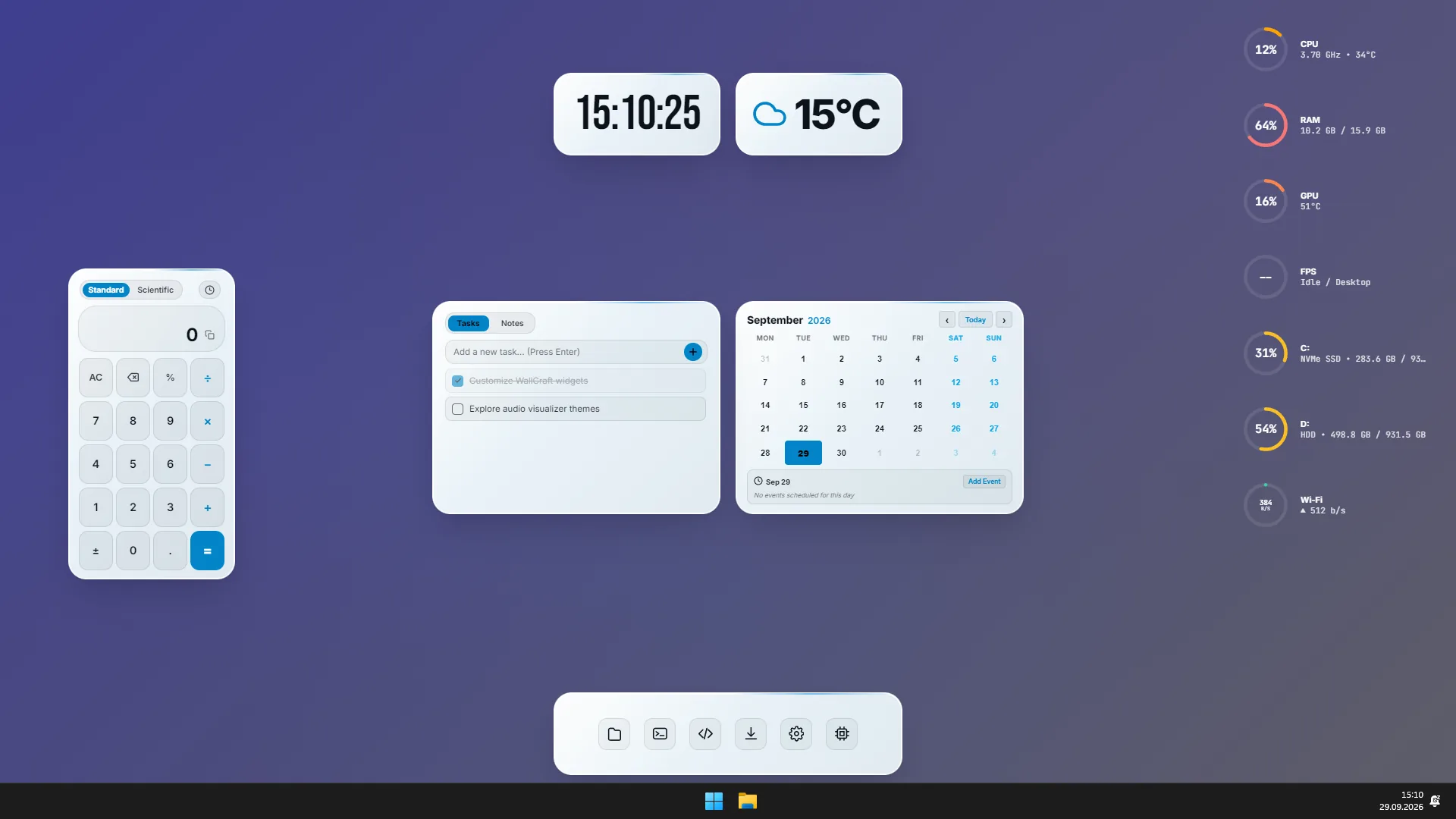
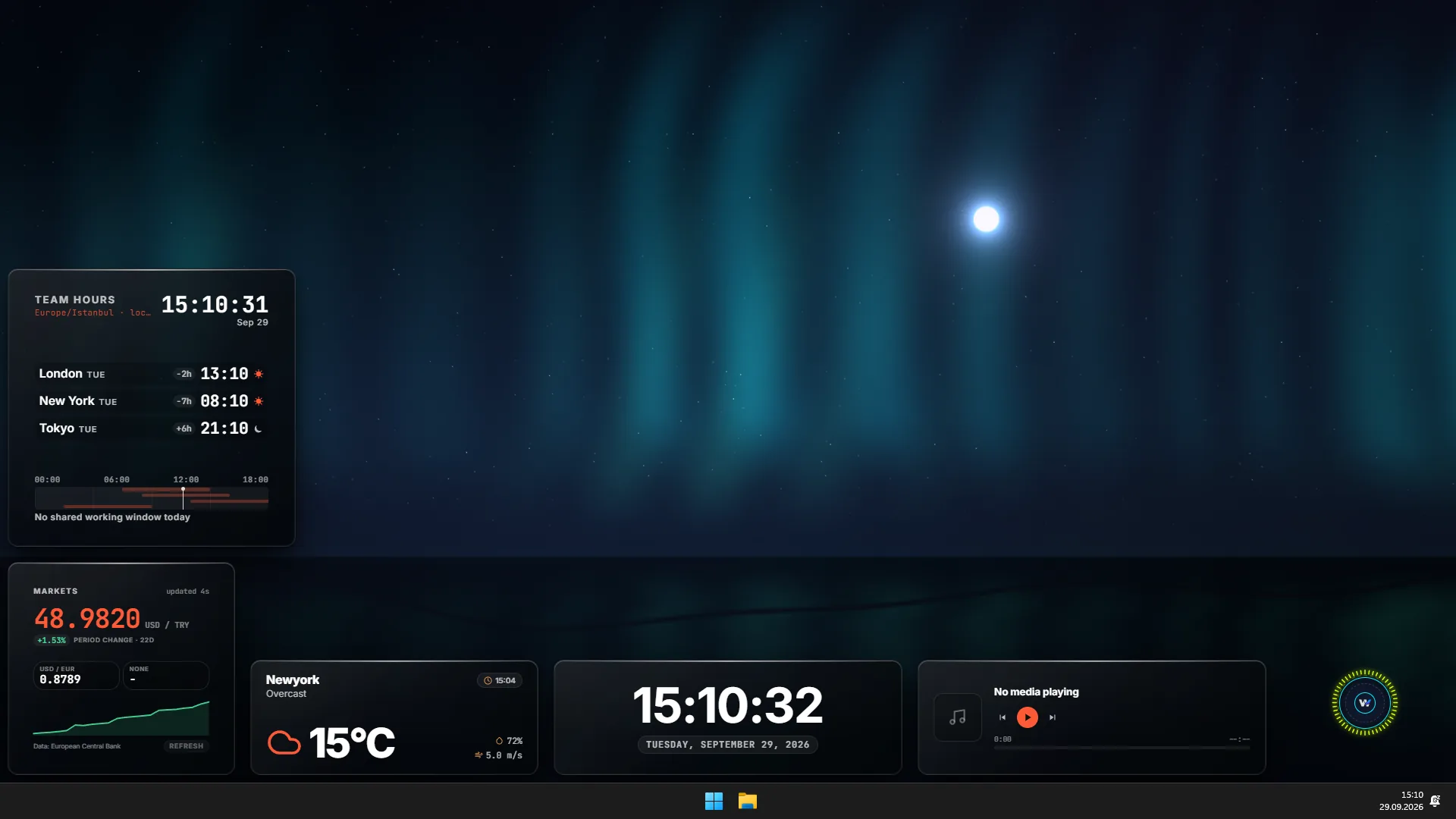
Example desktop layouts created with WallCraft live wallpapers and widgets.
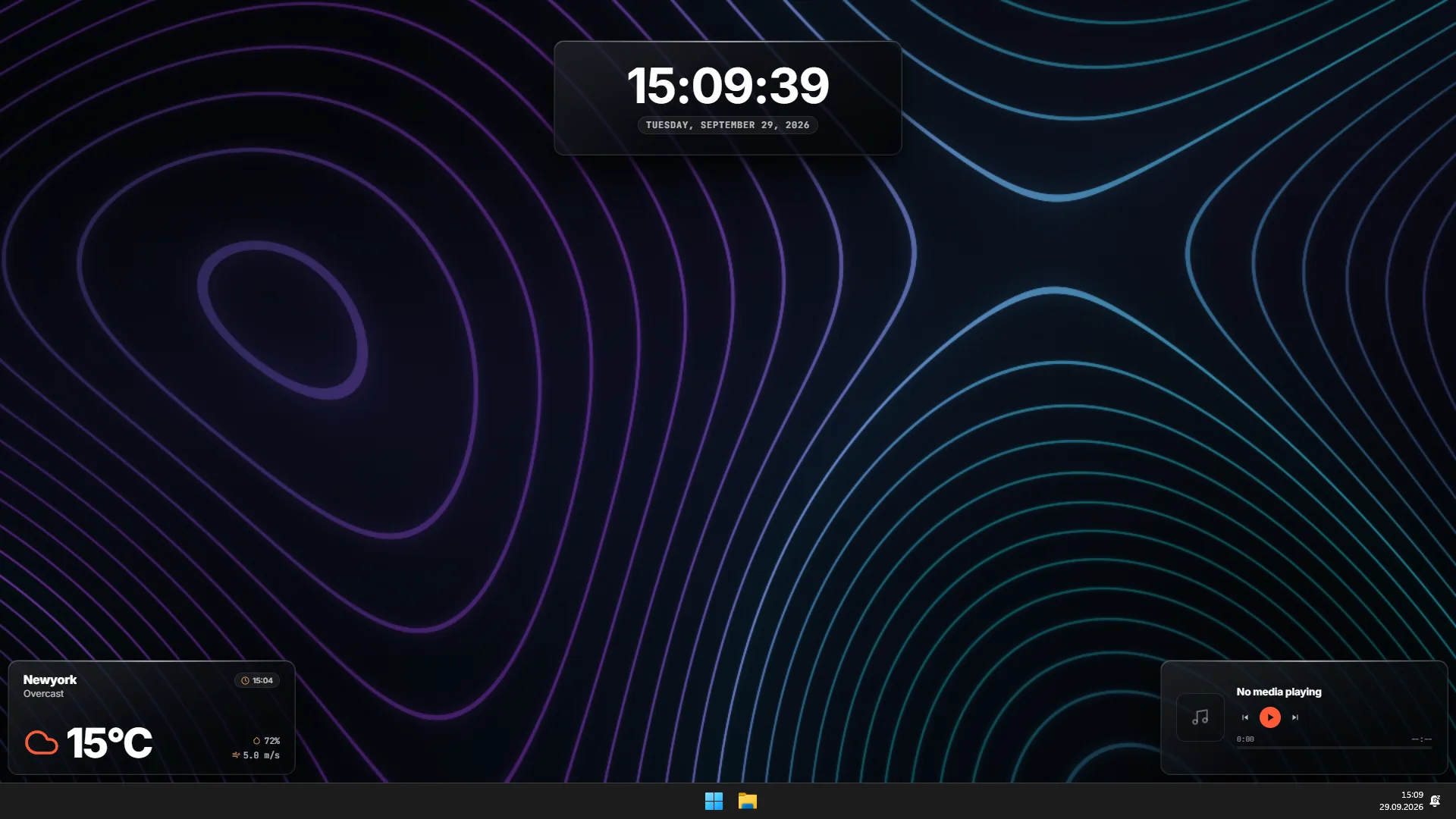
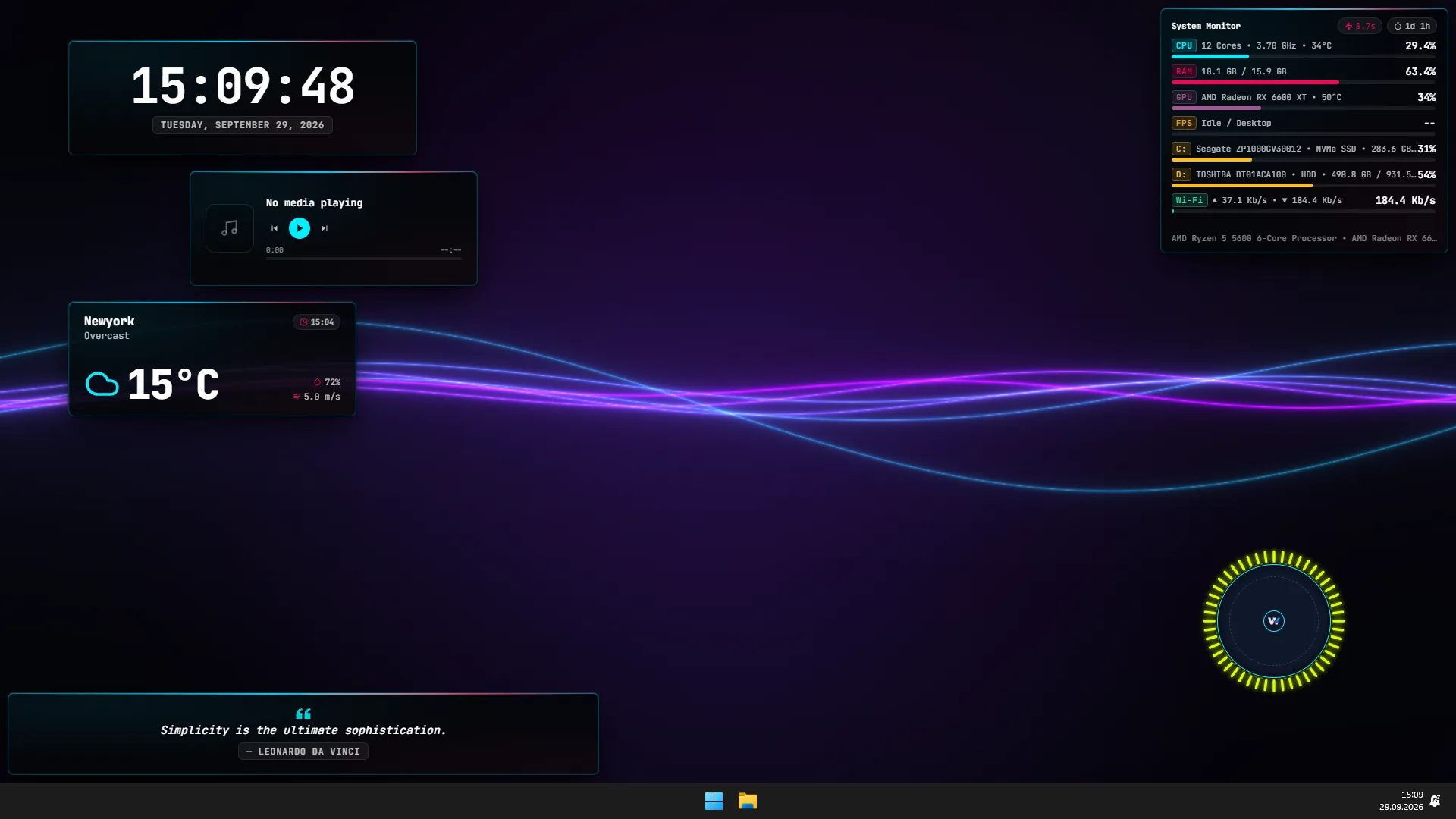
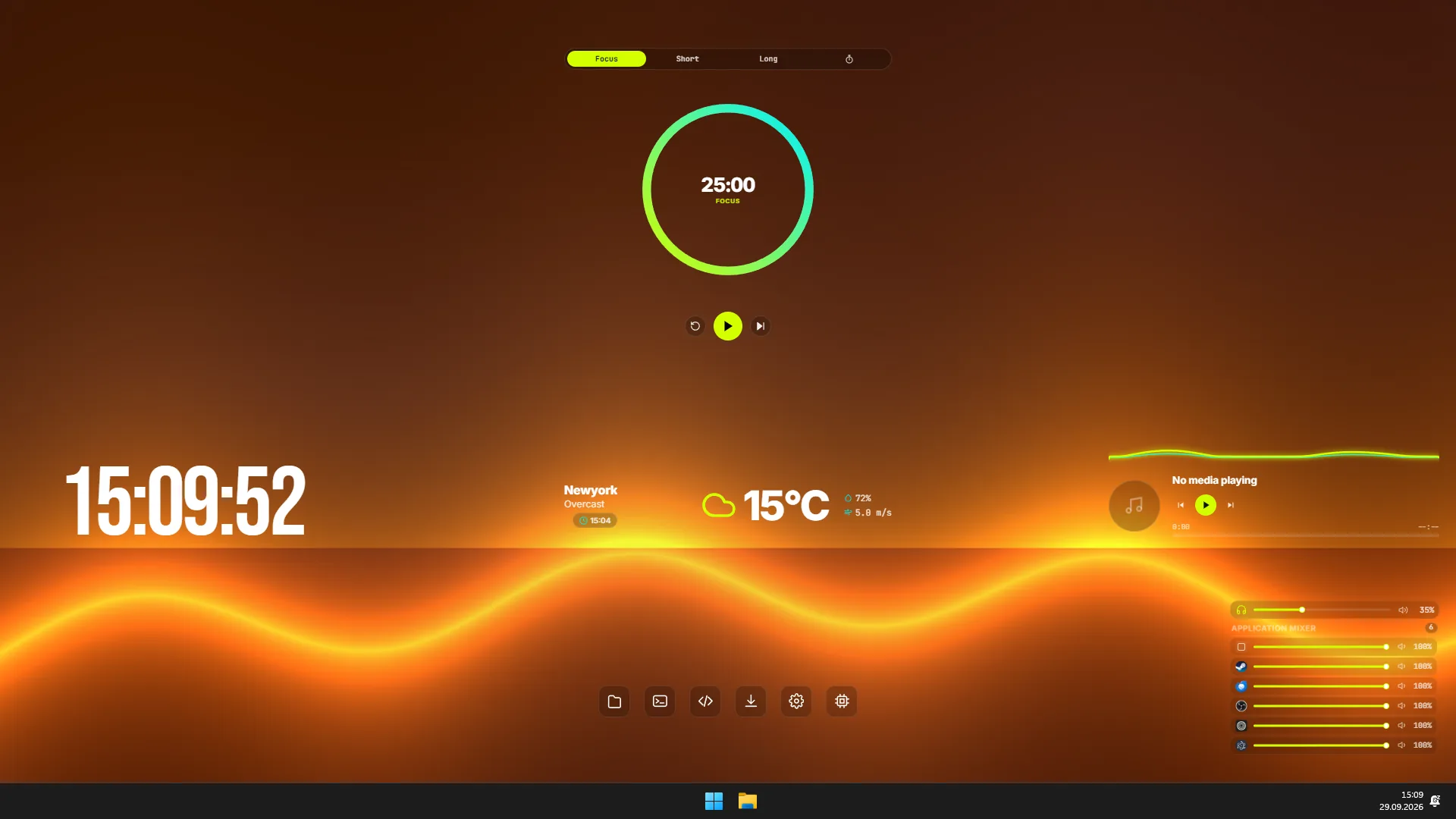
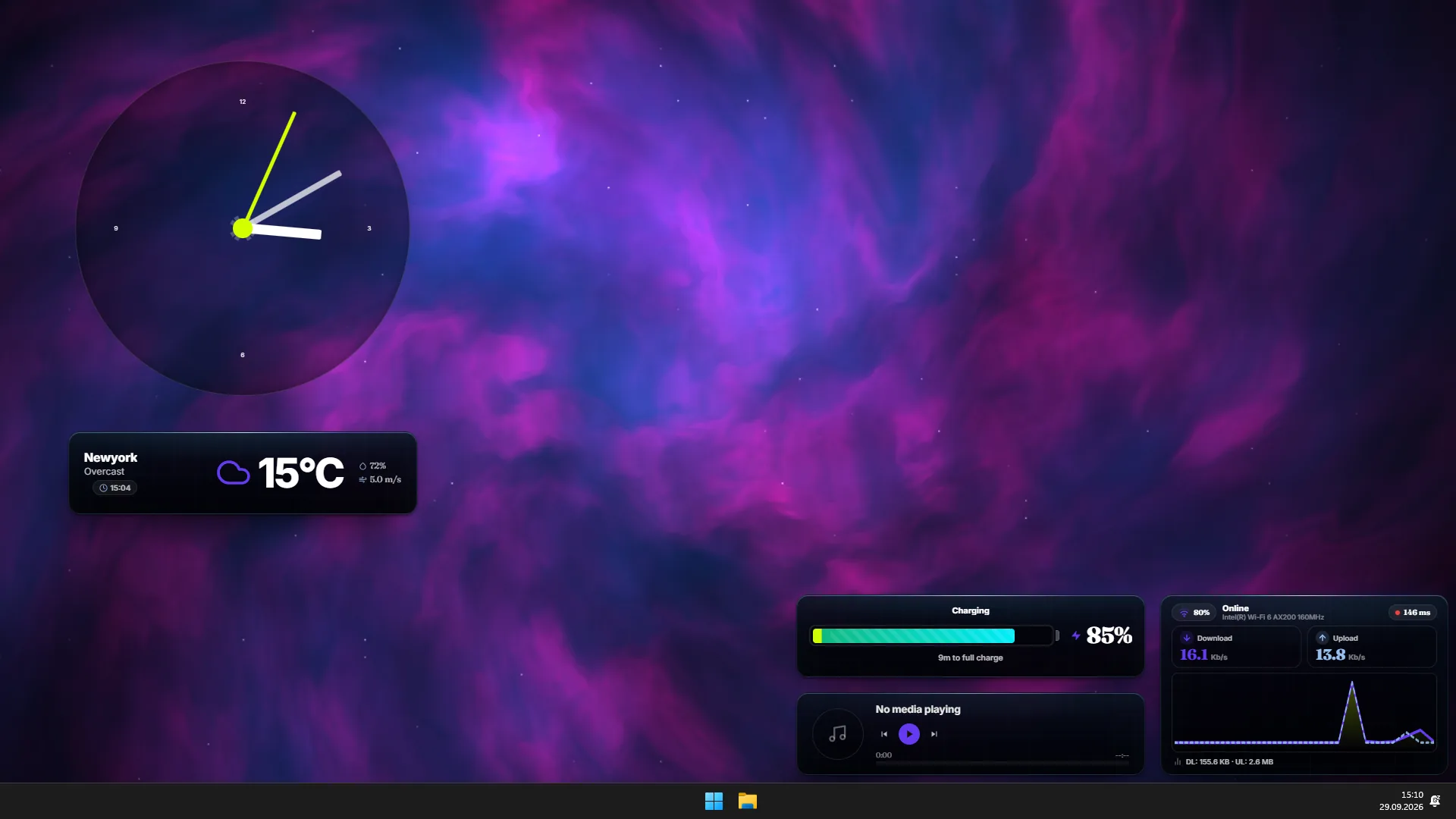
Topo Curves & Live Media
Precision digital clock, live weather, and Windows SMTC media player.
Neon Waves & Hardware Telemetry
PresentMon GPU/CPU telemetry, circular audio spectrum, and inspiration quote wall.
Amber Horizon & Zen Focus
Focus timer, per-app independent volume mixer, and lower app dock.
Cosmic Nebula & Network Monitor
Live network graph, analog clock, animated Battery Hub, and SMTC media integration.
Minimalist Workspace & Calendar
Calculator, interactive task board, mini calendar, and 24x24 magnetic grid snapping.
Aurora Borealis & World Clocks
Live currency rates, multi-timezone world clocks, and circular audio visualizer.
Shader, Magnetic Grid, OSD & Audio Mixer.
WebGL 2.0 engine running on Windows DWM (WorkerW), 24×24 pixel-precision magnetic grid, WASAPI audio control, and always-on-top in-game OSD pin mode.
Browser simulations — not real GPU, audio or FPS measurements. The grid demo is simplified to 8×4 cells.
Dynamic Shader Core
A GLSL fragment and multi-pass FBO pipeline for GPU-accelerated live wallpapers. The interaction below is a browser simulation.
Audio Mixer & Spectrum
Independent volume levels and live peak meters for master output and every running process via Windows Core Audio.
Magnetic Grid & Snapping
Snap widgets cleanly to 24×24 cells and center axes without pixel overflow. Save independent multi-monitor compositions with display profiles.
OSD & Always-On-Top (Pin Mode)
Pin widgets above application windows. Click-through mode lets you use the window underneath while keeping the HUD visible.
Pauses wallpaper animation when a full-screen game is detected to reduce background work. Actual resource usage depends on your hardware and settings.
Uses direct Windows API calls for desktop placement and input bridges instead of launching extra CLI processes.
Track instantaneous FPS, frametime (ms), and GPU wait latency directly on your desktop via an 800-frame ring buffer listening to swapchain present signals.
Build & Share Your Own World.
WallCraft is not a walled garden. Build widgets with standard HTML5/JS, live 3D shaders with WebGL 2.0 GLSL, and 24×24 grid presets; publish to the community marketplace in one click.
Modular Widget Development
Code rich desktop widgets safely inside an isolated sandbox using standard HTML5, CSS3, JavaScript, and Canvas API — with no need for C++, Rust, or external toolchains.
window.WallCraftsecure bidirectional RPC bridge- Direct access to Windows Core Audio, SMTC, and PresentMon telemetry
- Live Hot-Reload updates your desktop widgets immediately on file save
Live 3D GLSL Shader Engine
Design procedural fractals, fluid simulations, retro synthwave grids, or cosmic nebulae. Push boundaries with Multi-Pass FBO and ping-pong texture feedback.
- Standard
mainImage()GLSL fragment shader architecture - Time, audio, and mouse reactive uniforms (
u_time,u_audio,u_mouse) - Automatically pause wallpapers in full-screen games
Presets & Frame Styles
Export your desktop arrangement into a portable .json preset with a single click. Save profiles with 10 frame themes or frameless mode, dynamic tokens, and per-display layouts.
- Pixel-perfect 24x24 magnetic grid snapping and sizing
- Independent multi-monitor preset and display profile mappings
- One-click Community Marketplace sharing and JSON import/export
One-Click Desktop App Integration
List your creations on the open-source WallCraft Hub. Users can search, preview, and install your widgets directly from within the desktop app settings.
- Single-click download, live preview, and instantaneous install
- Native Hub search and category filtering inside desktop settings
- Transparent, community-driven repository on GitHub
What Can You Do with WallCraft?
Features in the upcoming WallCraft release. Performance depends on your hardware and chosen wallpaper.
| Feature | WallCraft Approach |
|---|---|
| Live Wallpapers | Desktop backgrounds powered by GLSL shaders and video |
| Desktop Widgets | Clocks, media controls, volume mixer and productivity tools |
| Pause While Gaming | Automatically pauses wallpaper animation during full-screen games |
| Multi-Monitor Layouts | Independent widget layouts and profiles for each display |
| Developer SDK | HTML, CSS and JavaScript widgets; GLSL wallpapers |
Frequently Asked Questions
Can I download WallCraft now?
There is no public release yet. Join the email list or follow development on Discord.
Which versions of Windows are supported?
WallCraft is being developed for Windows 10 (20H2+) and Windows 11. Final system requirements will be published at launch.
Do wallpapers keep running while gaming?
Wallpaper animation automatically pauses when a full-screen game is detected. Resource usage depends on your hardware, settings and active widgets.
Is pricing or a release date available?
Not yet. The Steam store link and details will be shared here when the store page is ready.
Can I build custom widgets?
SDK preview documentation is available for HTML, CSS and JavaScript widgets. APIs may change during development.
WallCraft Is Coming Soon.
WallCraft is in development. Join the email list for the launch announcement or follow our Discord community.
Requirements: Windows 10 (20H2+) / Windows 11 • DirectX 11+ • 4GB RAM • Steam Client